
CHAIN OF COMMAND
Turn-based robot tactics. Build your ideal squad.
- macOS 13 or later
- Windows 10 or 11
Briefing
How it plays
-
Deploy your squad
Squads take turns placing robots in a snake draft: in turn order, then in reverse, then in turn order again, so no seat gets the edge.
-
Command first, act second
Every robot gets one order a round. The actions wait until everyone is ready. The creatures act first, as they showed, then the orders play out in reverse: the last order given acts first.
-
2-6 squads
A free-for-all for two to six squads, last squad standing. Play friends on their own computers, seat guests at yours, or fill the table with AI commanders.
In the field
Screenshots


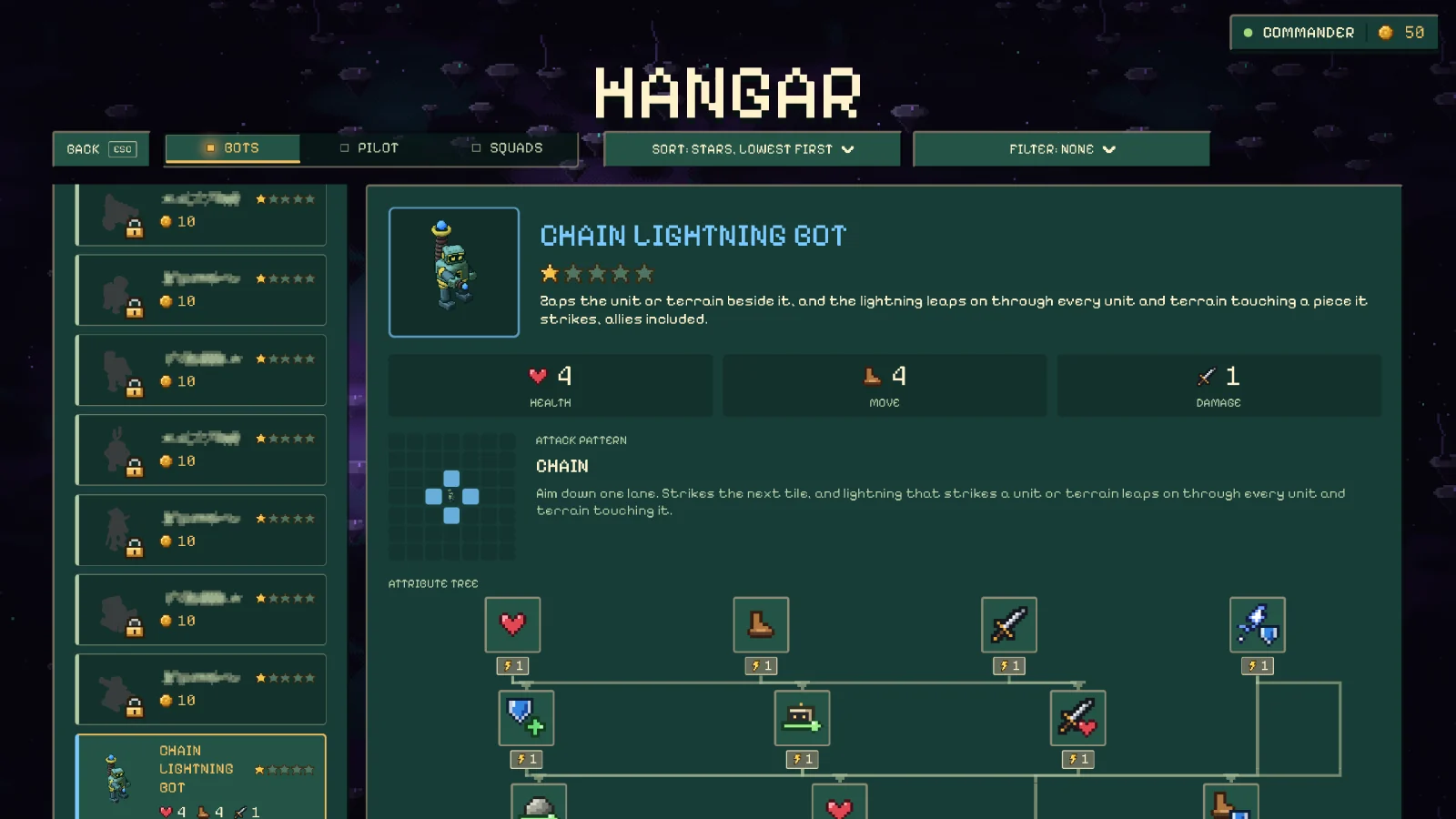
Deploy
Install
Mac: download Recommended
- Download the zip and open it.
- Move Chain of Command to Applications and open it.
The app is signed by CleanFoundry and notarized by Apple, so macOS opens it like any other app. It offers each new build on its title screen.
- Apple silicon or Intel Mac
- macOS 13 or later
Mac: from Terminal
This command downloads the app, puts it in Applications, and opens it. Run it again any time to reinstall.
curl -fsSL https://ccmd-api.cleanfoundry.com/downloads/ccmd/install.sh | bashWindows: download Preview
- Download the zip for your PC: Intel or AMD (x64) or Arm.
- Extract it and open ChainOfCommand.exe in the Chain of Command folder.
The Windows build is new and not yet signed, so Windows warns about an unknown publisher: choose More info, then Run anyway.
- Windows 10 or 11
- x64 or Arm
Windows: from PowerShell
This command downloads the game, installs it for you, and opens it. Run it again any time to reinstall.
irm https://ccmd-api.cleanfoundry.com/downloads/ccmd/install.ps1 | iex